Your name on the desk. Ours nowhere.
Your agents sign in to a help desk with your company's name, logo and colours. Your customers see only you. Run it with us, or on a server you control.
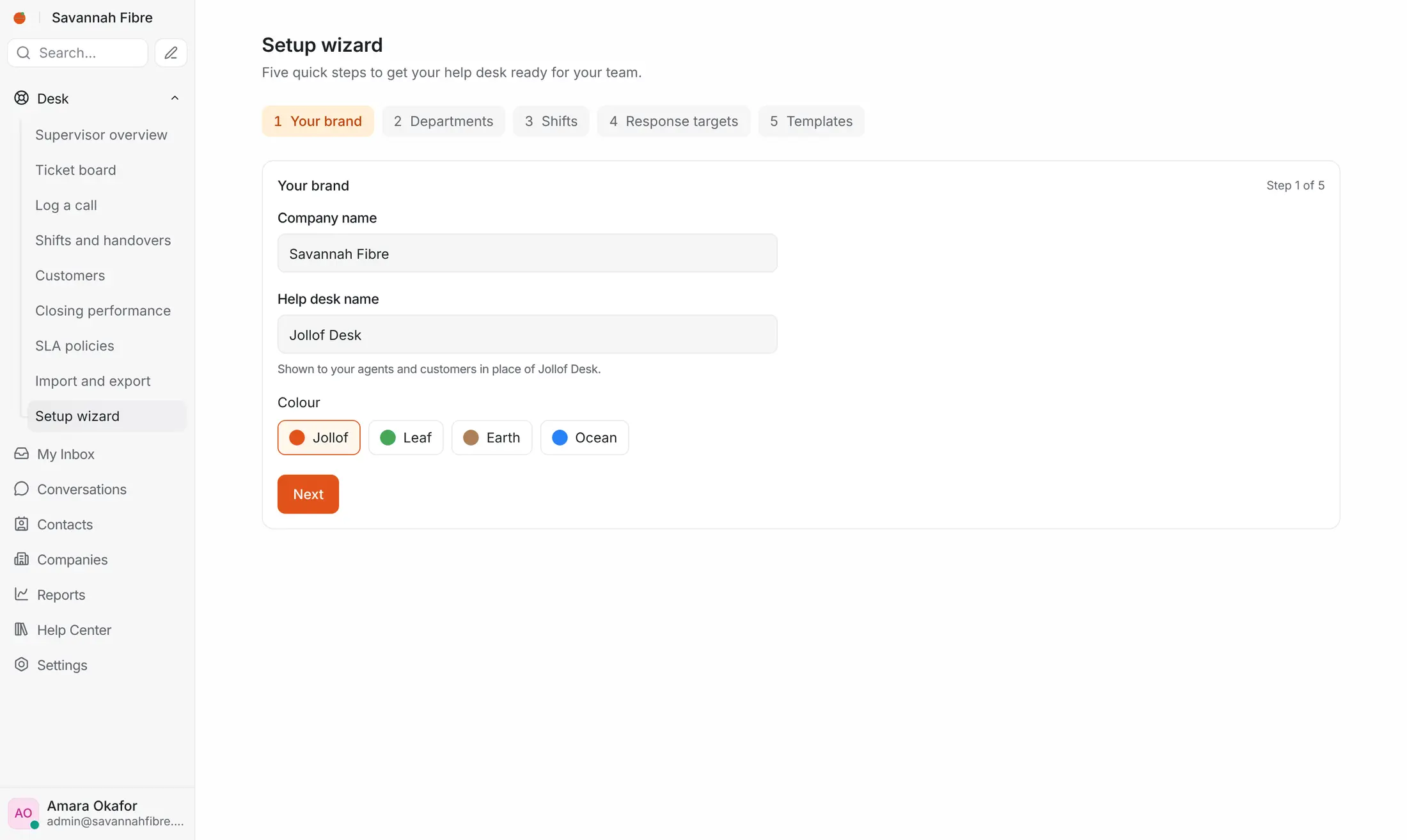
Type your name. Pick a colour.
This is what the setup wizard does in its first step. Try it here: the preview changes as you type.
The real wizard also takes your logo and the help desk's name, and shows them on the sign-in page, in emails and on the customer chat window.
Runs where you decide
Jollof Desk runs as a few containers: the web app, a background worker, a Postgres database and Redis. We install it on your server and hand the keys to your IT team.
A server you control
Any Linux machine with Docker, in your data centre or with a cloud host you choose.
Installed with your name
Your domain, your brand, your shifts and departments already set.
Backed up every night
A copy of the database each night, kept off the server.
Handed over to your team
Your IT team learns how to update, restore and add people.
Everything comes out, in one download
No export fees and no waiting on support. One button downloads it all.
Customers and contacts
With their customer IDs, phones and emails.
Services
Every service ID, attached to its customer.
Tickets and messages
Every reply, note and stage change.
Escalations and handovers
Who escalated what, and who signed for it.
JSON or a folder of CSV files you can open in Excel
See your own desk in 30 minutes
Tell us a little about your team. We will set up a demo desk with your name and shifts, and walk your supervisors through it on a call.
- A live demo with your company's name on it
- A recommendation: hosted plan or your own copy
- A written quote within two working days